A social account security checklist is useful before an unusual message or a lost device forces a hurried decision. Review one account at a time through its official settings. Concentrate on how you sign in, which alternatives remain available and who else can act through the account. The goal is a set of protections you understand and can maintain, not a promise that any individual setting prevents every possible account problem.
1. Start the social account security checklist with ownership
Check the profile identifier, contact address and ownership details before changing settings. A recovery inbox can be central to several other accounts, so protect it as part of the same review. Our social account recovery plan helps you map those dependencies. If you help manage an organisation’s presence, use the platform’s documented roles where appropriate rather than treating one shared password as a complete access-management system.
2. Use an appropriate unique password
Where the service uses passwords, choose one you do not reuse on unrelated accounts. Store it using a method you can protect and operate reliably. Password manager basics provides related planning questions. Avoid including passwords in ordinary messages, shared task lists or support screenshots. If you suspect the password has been exposed, follow the provider’s current security guidance instead of simply adding another reminder to check it later.
3. Review the supported verification choices
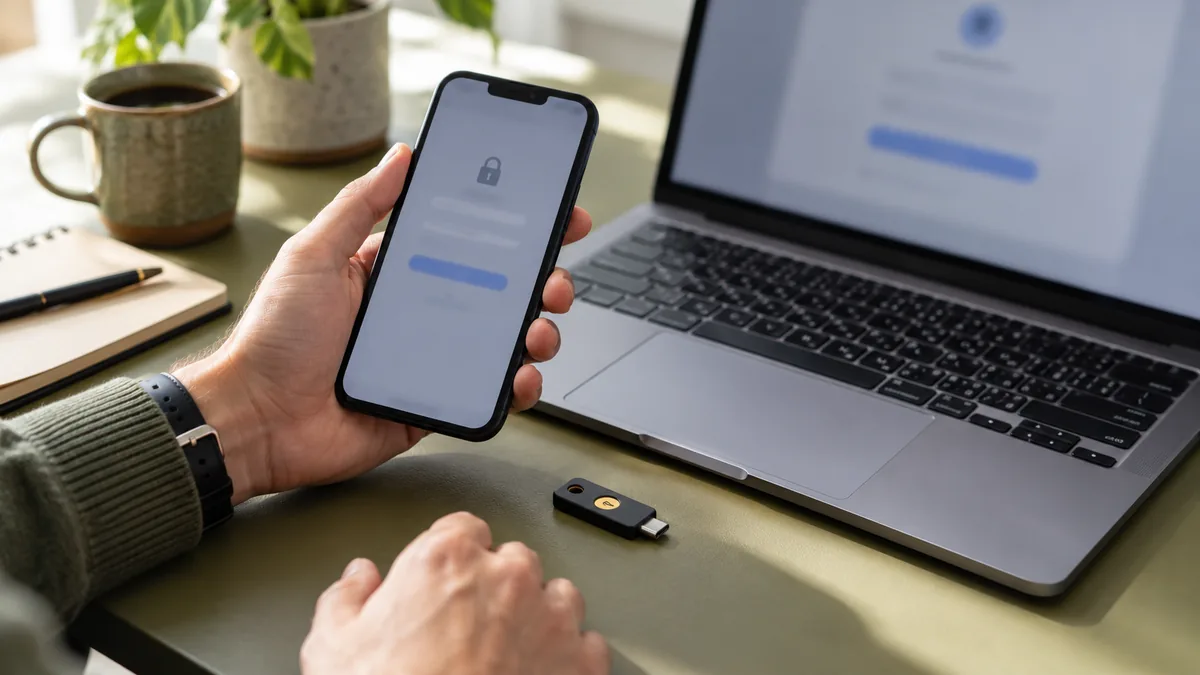
Find the provider’s current options for additional sign-in verification and read their requirements. Availability can differ by service, account or region. Two-factor authentication on a phone explains related preparation. Select a supported method you can use consistently and understand how recovery works if that method becomes unavailable. Do not copy an old screenshot’s instructions when the platform now describes a different setup process.
4. Prepare a backup route before removing a working method
If the service offers recovery codes or other backup methods, follow its storage and replacement instructions. Keep them private and reachable independently of the single device that could be lost. Some services also support passkeys as part of their sign-in flow; using passkeys without losing recovery options raises related questions. Confirm a replacement works before retiring an existing method you still depend on.
5. Inspect active sessions and trusted devices
Review the account’s list of signed-in devices or sessions where available. Reviewing active account sessions helps organise that inspection. Device descriptions and estimated locations may be imperfect, so interpret the information in context. Remove access you no longer need through the provider’s controls. If activity appears genuinely unfamiliar, investigate through the official account-security route rather than assuming the display alone explains what happened.
6. Separate third-party connections from your own devices
A service authorised to use account information is a different relationship from your phone being signed in. Our connected apps review explains how to inspect that access. Read the provider’s description of what a connected app can do and whether the connection still serves a purpose. Uninstalling an app from a phone should not be assumed to revoke every authorisation already granted at account level.
7. Set a review trigger and a response route
Choose events that should prompt another check, such as a lost phone, an administrator leaving a project or an unexpected security alert. Keep the provider’s official help route somewhere you can find independently. A short private note of the review date and unresolved issues makes follow-up concrete. Keep verification codes and other secrets out of that ordinary checklist, especially if several people can see the planning document.
Complete the social account security checklist by confirming that you can explain the sign-in method, the recovery route and the remaining access relationships. Revisit it when those relationships change. A manageable routine is easier to keep current than a long list of recommended controls whose effects and recovery requirements you have never checked.